How to Structure Your Services Page to Get More Leads
May 20, 2025
post Last Updated:

You’ve got the vision, the talent, and the passion—and now your business is growing. Your website should be doing its part to support that momentum. One of the most powerful (and often overlooked) pages? Your services page. Think of it like the concierge of your website. It’s there to welcome visitors, show them around, and […]
post Last Updated:


You’ve got the vision, the talent, and the passion—and now your business is growing. Your website should be doing its part to support that momentum. One of the most powerful (and often overlooked) pages? Your services page.
Think of it like the concierge of your website. It’s there to welcome visitors, show them around, and guide them to the best next step—working with you. When your services page is structured with intention, it becomes more than a list of offerings. It becomes a confident, strategic invitation to say yes.
Whether you’re customizing a Showit template or updating a page that’s been collecting dust, this guide will show you how to turn your services page into a high-converting hub for aligned inquiries.
What a Services Page Needs to Do
Before diving into the wireframe, let’s get clear on what your services page is really meant to do:
- Build trust
- Clarify your offer(s)
- Pre-qualify leads
- Encourage intentional inquiry
It’s not a brochure. It’s a filter and a funnel—helping the right people say yes and the wrong ones self-select out. And most Showit templates give you the layout, but not the strategy.
Your Services Page Wireframe (From Top to Bottom)
- Headline + Subhead (Above the Fold)
This is where you grab attention and immediately show your reader that they’re in the right place.
Example: “Strategic brand and website design for creatives who are ready to be seen—and sell.”
Your subhead can clarify who it’s for, like: “For photographers, coaches, and designers who are ready for a website that actually works.” - Introduction or Positioning Statement
Write 2–3 sentences about what you do, who you serve, and the transformation your services provide. Keep it clear, warm, and results-focused. This sets the tone and builds connection. - Overview of Your Core Offer(s) Include a name, short description, starting price (or range), timeline, and 3–5 key deliverables. If you offer just one main service, this is the place to anchor it. If you offer more than one, keep the number to three max and prioritize clarity over options.
Pro tip: Break this into a grid layout if your template allows—it makes comparison easier. - Your Signature Process or Framework
What’s it like to work with you? Lay out your process in 3–5 steps with a short, action-based headline for each step.
Example:
– Book Your Spot
– Prep with Strategy
– Design in Motion
– Launch & Celebrate
This helps people visualize the path ahead and feel more confident. - Social Proof (Testimonial or Client Win)
Use 1–2 short, results-focused testimonials that reinforce your value. Prioritize quotes that speak to transformation, ROI, or the ease of your process.
Example: “I launched with confidence—and started booking dream clients within the first week!” - Optional: Add-Ons or Tiered Services
Only include this section if it genuinely helps clarify your offer. If you have a VIP Day, brand add-on, or template customization option, add it here—but avoid overwhelming your reader with too many choices. - FAQs or What to Expect
This section reduces friction and preps your reader for what’s next. Answer common questions like:
– How soon can we start?
– What platforms do you design on?
– Do you offer payment plans?
This also helps with SEO—more keyword-rich content that still feels natural. - Final Call to Action
End with a clear and encouraging CTA.
Example: “Ready to build a Showit website that brings in leads while reflecting your brand? Let’s talk.”
Include a big button that links to your Work With Me page.
Common Mistakes to Avoid
- Skipping the intro and jumping straight to services
- Listing too many offers
- Hiding prices (even a starting rate helps)
- Using vague language like “custom packages available” without context
- Forgetting a call to action!
How does your services page compare to my suggestion?
Your services page isn’t just a section of your site—it’s a powerful invitation. With the right structure, it does more than describe what you offer. It builds trust, reflects your value, and makes it easy for the right clients to say yes.
If you’re already using a Showit template, you’ve got a strong starting point. Now it’s time to make it work for you—with clear copy, intentional layout, and a next step that feels effortless.
Need support customizing your services page inside your Showit template? Let’s chat!


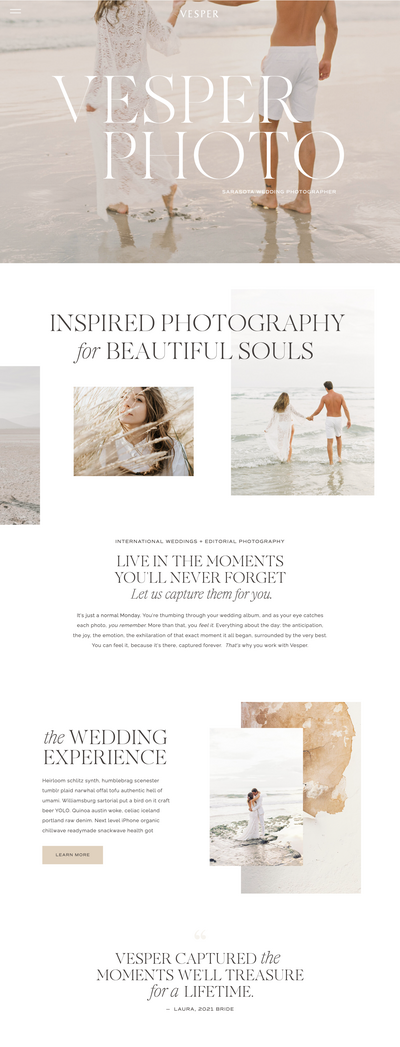
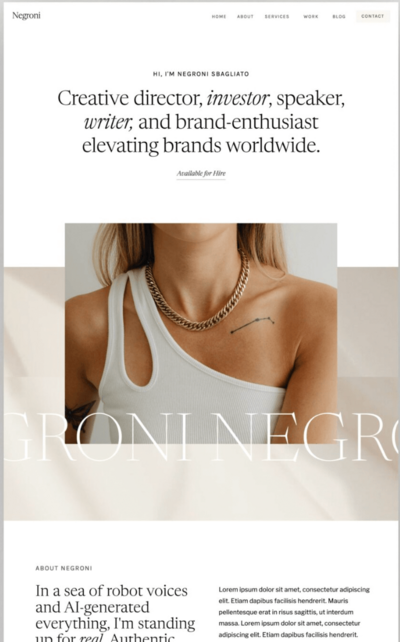
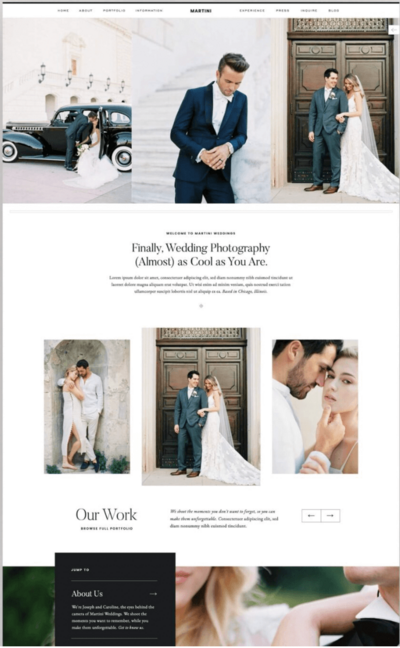
Shop Tonic Website Templates
Tonic has my absolutely favorite templates in the game – their websites somehow combine killer strategy AND stunning, standout design. You're going to feel so confident in your new site!


Showit Tips →
for designers →
website strategy →
SEO strategy →


Tonic Templates →
Behind the Scenes →
BROWSE BY CATEGORY
BRAND UNMUTED
Brand Unmuted is where I share practical tips and strategies on Showit tips, Tonic templates, copywriting, and website strategy, helping entrepreneurs and designers build brands that can’t be ignored.